
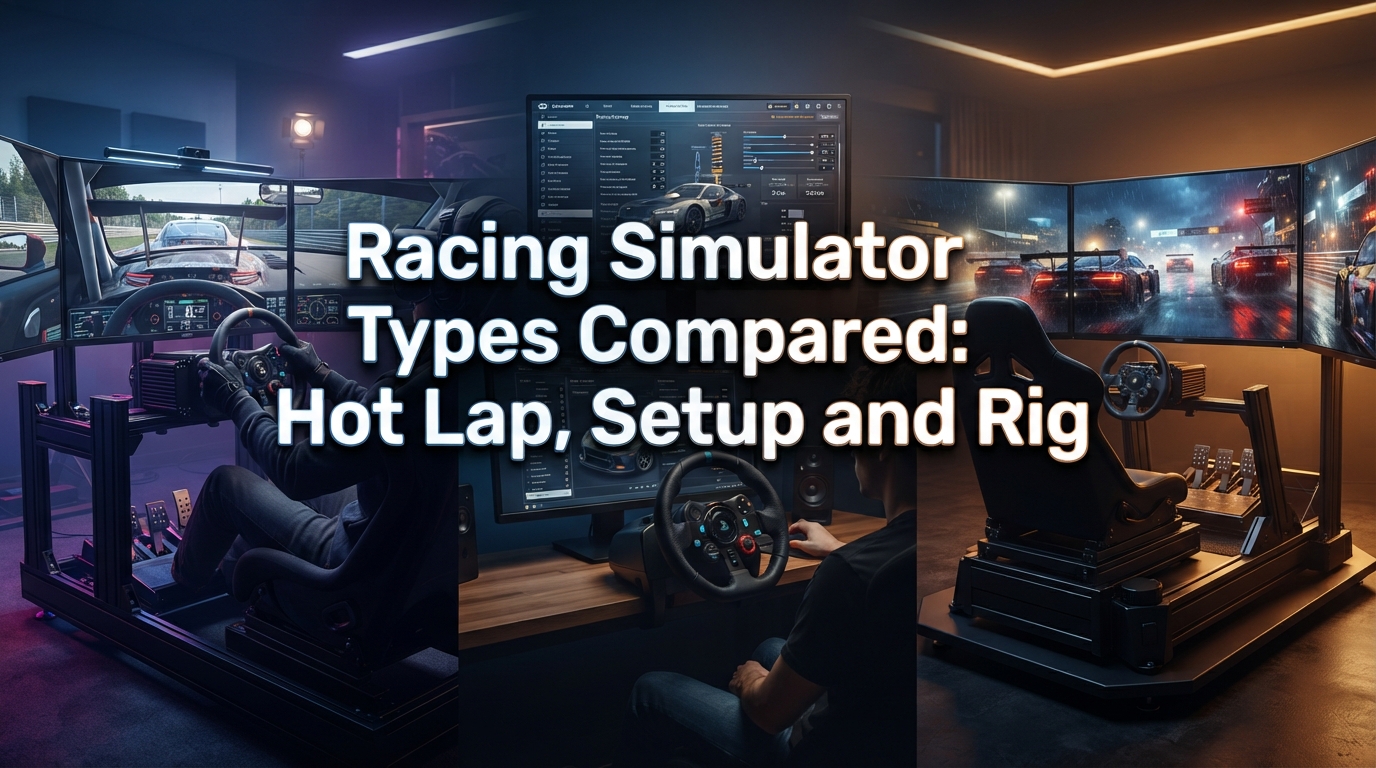
Racing Simulator Types Compared: Hot Lap, Setup and Rig
A racing simulator can mean many things: a game focused on chasing the perfect lap, a deep tuning tool for car setups, or a full physical cockpit with wheel, pedals, and screens. This guide compares the three main paths in sim racing, hot lap, setup, and rig, explains what each involves, and helps you decide where to focus your time and budget as you build your own racing simulator setup.
Key Takeaways
- A racing simulator experience can focus on hot laps, car setup, or physical rig building
- Hot laps build raw speed and consistency through time trials
- Setup tuning teaches how car adjustments change handling
- A stable rig improves immersion and precision more than flashy extras
Three Ways to Approach a Racing Simulator
Focus
What You Do
Best For
Hot lap
Time trials chasing your fastest single lap
Players who love competing with leaderboards
Setup
Tuning suspension, aero, gearing, and tires
Analytical players who enjoy engineering
Rig
Building hardware: wheel, pedals, seat, screens
Players seeking maximum immersion
Hot Lap: Chasing the Perfect Lap
Hot lapping means driving a single fast lap with no traffic, then repeating until you shave off tenths of a second. Most sims include time trial modes and global leaderboards, letting you compare against players worldwide. Hot lapping is the best way to learn a track's braking points, racing line, and corner exits. Studying replays of faster drivers and comparing telemetry, such as speed and brake traces, reveals where you lose time.
Setup: Tuning the Car
Car setup lets you adjust suspension stiffness, ride height, aerodynamic wings, tire pressures, brake bias, and gearing. Small changes can transform how a car handles, making it more stable under braking or more responsive in corners. Beginners should start with default or community-shared setups and change one setting at a time to understand its effect. A deep understanding of setup is what separates casual players from serious racing simulator competitors.
Rig: Building Your Hardware
1. Wheel base — entry-level gear or belt-driven models, or direct drive for detailed feedback
2. Pedals — load cell brakes improve consistency by measuring pressure
3. Cockpit or rig — a rigid frame prevents flex and keeps positioning consistent
4. Seat — comfort matters for long races
5. Display — a single monitor, triple screens, or VR for immersion
Start with a wheel and pedals on a sturdy desk, then upgrade to a dedicated cockpit when flex becomes a limitation. Many racers say a solid rig improves lap times more than a pricier wheel.
Choosing Your Racing Simulator Setup
Your ideal racing simulator setup depends on space, budget, and goals. A compact desk setup suits apartments, while a full cockpit needs a dedicated corner. Prioritize pedals and stability before expensive screens. Compatibility matters too, since some wheels work only with certain consoles or PC, so confirm support for the games you play before buying.
Popular Games for Each Focus
- Hot lap: Assetto Corsa Competizione and Gran Turismo 7 time trials
- Setup: iRacing and rFactor 2, with deep tuning options
- Rig immersion: Le Mans Ultimate and Automobilista 2 for varied cars and tracks
- Casual entry: F1 series and Forza titles with controller-friendly assists
Common Mistakes
Many beginners buy expensive hardware before learning fundamentals, or change setups constantly without understanding why. Others jump between dozens of cars and tracks instead of mastering one combination. The most effective path is learning a single car and track deeply, using hot laps to build speed, then gradually exploring setup changes and upgrading hardware as you identify limitations.
Race Car Simulator Training Tips
1. Practice in short focused sessions rather than marathon drives
2. Use telemetry tools to compare your laps
3. Join beginner leagues to learn clean racing
4. Record and review your mistakes
Racing Simulator Setup on a Budget
A budget racing simulator setup can start with an entry-level wheel and pedal set clamped to a sturdy desk, a comfortable chair that does not roll, and a single monitor positioned close to eye level. Adjust field of view in the game so the screen shows a realistic perspective, which improves judging braking points. These simple steps make a modest setup feel far more immersive without large spending.
Upgrading Over Time
Upgrade in the order that improves consistency the most: pedals first, then rigidity, then wheel base, then displays. Many experienced racers recommend load cell pedals as the single most impactful upgrade, since braking consistency drives lap time. A stable cockpit comes next, followed by a stronger wheel base and finally triple screens or VR.
Space and Comfort Considerations
Measure your space before buying a cockpit, since full rigs take up significant floor area. Foldable or wheel-stand designs suit smaller rooms. Comfort matters for long endurance races, so adjust seat position, pedal angle, and wheel height to avoid strain. A comfortable driving position keeps you consistent lap after lap.
Racing Simulator Etiquette Online
When you move from hot laps into online racing, etiquette matters as much as speed. Leave space when overtaking, avoid rejoining the track unsafely, and respect blue flags. Clean racing builds your reputation and safety rating, opening access to better competition in any racing simulator league.
Ultimately, the most rewarding racing simulator journey is a gradual one. Celebrate small improvements in lap time, learn from every race, and upgrade only when your skills outgrow your equipment. That approach keeps the hobby enjoyable for years and turns a simple wheel on a desk into a serious, satisfying training tool.
Track databases built by the community are another useful resource, listing corner names, braking markers, and recommended gears for popular circuits. Keeping notes for each track you learn speeds up future sessions and helps you share knowledge with league friends.
In short, a racing simulator can focus on hot laps, car setup, or hardware rigs, and the best journey usually combines all three over time. Start with hot laps to learn tracks, explore setups one change at a time, and build a stable racing simulator setup that fits your space and budget. Which path will you focus on first?